
Setting Up a Home Office That Actually Works
A good home office is the difference between dreading your desk and looking forward to it. Setting up a home office well takes more than a laptop on the kitchen table, but it needn't cost a fortune either. This guide walks you through choosing the right space, kitting it out sensibly, looking after your body and your focus, and keeping work from leaking into the rest of your home.
Published 2023-06-12 · Wolves Removals
Moving House Soon? Get a Free Quote
Get a fast, fixed price from your local Sussex removals team.
Why your home office set-up matters more than you think
When you work from home, your office is not just where you answer emails. It shapes how you sit, how you concentrate, how tired you feel by mid-afternoon and how easily you switch off in the evening. A makeshift corner of the sofa might be fine for a day, but as a permanent arrangement it quietly erodes both your posture and your productivity. The good news is that a genuinely effective home office is well within reach for most people, whether you have a spare room to spare or just a sliver of a landing.
The principles below apply whether you are an employee working remotely a few days a week, a freelancer running your whole livelihood from home, or someone launching a side business in the evenings. Get the foundations right and everything else becomes easier.
Choosing the right space
The single most important decision is where your office goes. If you have the luxury of a dedicated room, use it. A door you can close is the most powerful productivity tool you will ever own, because it draws a hard line between "working" and "home". It keeps noise out, keeps your work out of sight at the end of the day, and signals to everyone else in the house that you are not to be interrupted.
Not everyone has a spare room, of course, and that is fine. A consistent, defined corner of a bedroom, dining room or landing can work very well, provided you treat it as a real workspace rather than a temporary perch. The key word is consistent: working in the same place every day trains your brain to associate that spot with focus.

Light, noise and the things you can't easily change
Wherever possible, position your desk near a window. Natural light lifts your mood, reduces eye strain and helps regulate your sleep, which in turn affects how alert you feel at work. Try to sit so the window is to the side of your screen rather than directly behind or in front of it, which causes glare and silhouetting on video calls.
Think about noise too. If your only option is a busy through-route in the house, a pair of decent over-ear headphones will do more for your concentration than almost any other purchase. Consider what is on the other side of the wall as well; a home office that backs onto a child's playroom or a noisy boiler will test your patience daily.

Furniture: where to spend and where to save
If you spend money anywhere, spend it on your chair. You will sit in it for thousands of hours, and a supportive, adjustable office chair pays for itself in comfort and avoided back trouble. Look for adjustable seat height, lumbar support and armrests you can position so your shoulders stay relaxed. A cheap chair feels like a bargain for the first week and a mistake for every week after that.
Your desk matters less than people assume, as long as it is the right height and large enough for your screen, keyboard and a notepad. A desk surface at roughly elbow height when you are seated is ideal. If you can stretch to a sit-stand desk, alternating between sitting and standing through the day eases the strain of staying in one position, but it is a nice-to-have rather than an essential.
- Splurge: the chair, and a monitor if you stare at a screen all day.
- Sensible: the desk, storage and lighting.
- Save: decorative extras, gadgets and anything you are buying because it looks the part rather than because you will use it.
Getting the ergonomics right
Good ergonomics is mostly about a few simple measurements. Your eyes should fall on the top third of your screen when you look straight ahead, so most laptop users need a stand and a separate keyboard and mouse. Your forearms should be roughly parallel to the floor when typing, your feet flat on the ground (a footrest helps if they dangle), and your wrists straight rather than bent up or down. An external ergonomic keyboard and mouse cost little and spare you the repetitive strain that creeps in from hunching over a laptop.
Technology and connectivity
Reliable internet is the backbone of working from home, and nothing undermines a professional impression faster than freezing on a video call. If your router lives at the far end of the house, a mesh system or a wired connection to your office will transform your day. Position the router centrally and away from thick walls and large appliances where you can.
Beyond the connection itself, think about the basics that keep you working when something goes wrong: a phone you can tether to in an outage, a surge-protected extension lead, and somewhere tidy to route cables so they are not a trip hazard or a tangle. A small UPS or battery backup is worth considering if your work simply cannot stop. Back up your files to the cloud automatically so a spilt cup of tea is an inconvenience rather than a catastrophe.
Storage and staying clutter-free
Clutter is a quiet drain on focus. A clear desk genuinely does help you think, and the trick is giving everything a home so tidying takes seconds rather than an afternoon. A couple of drawers, a small filing system for the paperwork you must keep, and a shelf for reference books and folders will cover most needs.
Go paperless wherever you sensibly can. Scanning documents and shredding the originals frees up space and makes things far easier to find later. For the physical items you do keep, label clearly and review every few months, otherwise the office becomes the household's dumping ground for everything without an obvious home.

Lighting and atmosphere
Natural light is best, but it disappears at four o'clock in a Sussex winter, so plan your artificial lighting too. Aim for layers rather than a single overhead bulb: a good task lamp on the desk for detailed work, plus softer ambient light to avoid the cave-like gloom of a screen glowing in a dark room. Position your task lamp to the opposite side of your writing hand so it does not cast a shadow over your work.
A little personality goes a long way. A plant or two, a piece of art you like, a photograph or a noticeboard make the space yours and lift your mood without becoming a distraction. The goal is a room that feels calm and professional, not sterile.
We’re a friendly, family-run Sussex removals and storage company that has been keeping its promises since 2016. From a single item to a full home or office move, every job is fully insured and led by a dedicated coordinator, so you always have one point of contact.
As a LAPADA member and a Checkatrade-verified team, we handle it all with real care — expert packing, home and business removals, clean, secure storage and specialist antiques handling across Sussex, Surrey, Hampshire and Kent.
Protecting your focus and your boundaries
The hardest part of working from home is rarely the desk; it is the discipline. Without the natural bookends of a commute, work can bleed into every corner of your day and your home. Set clear working hours and tell the people you live with what they are. Take a proper lunch break away from the screen. And at the end of the day, shut down properly: closing the laptop, tidying the desk and, if you can, closing the door creates the psychological full stop that a commute used to provide.
If you find yourself drifting to other rooms to work, that is usually a sign the office set-up needs attention rather than that you lack willpower. A space you actively want to sit in is the best productivity hack there is. For more ideas on settling into a working-from-home rhythm, our wider collection of helpful moving and home tips is a good place to browse.

When your home office becomes a home move
Sometimes the honest answer to "how do I set up a home office?" is that your current home simply does not have the room. A growing business, a partner who also works from home, or the arrival of children can all turn a workable corner into an impossible squeeze. If you reach that point, moving somewhere with the right space is often a better investment than trying to force an office into a home that has run out of it.
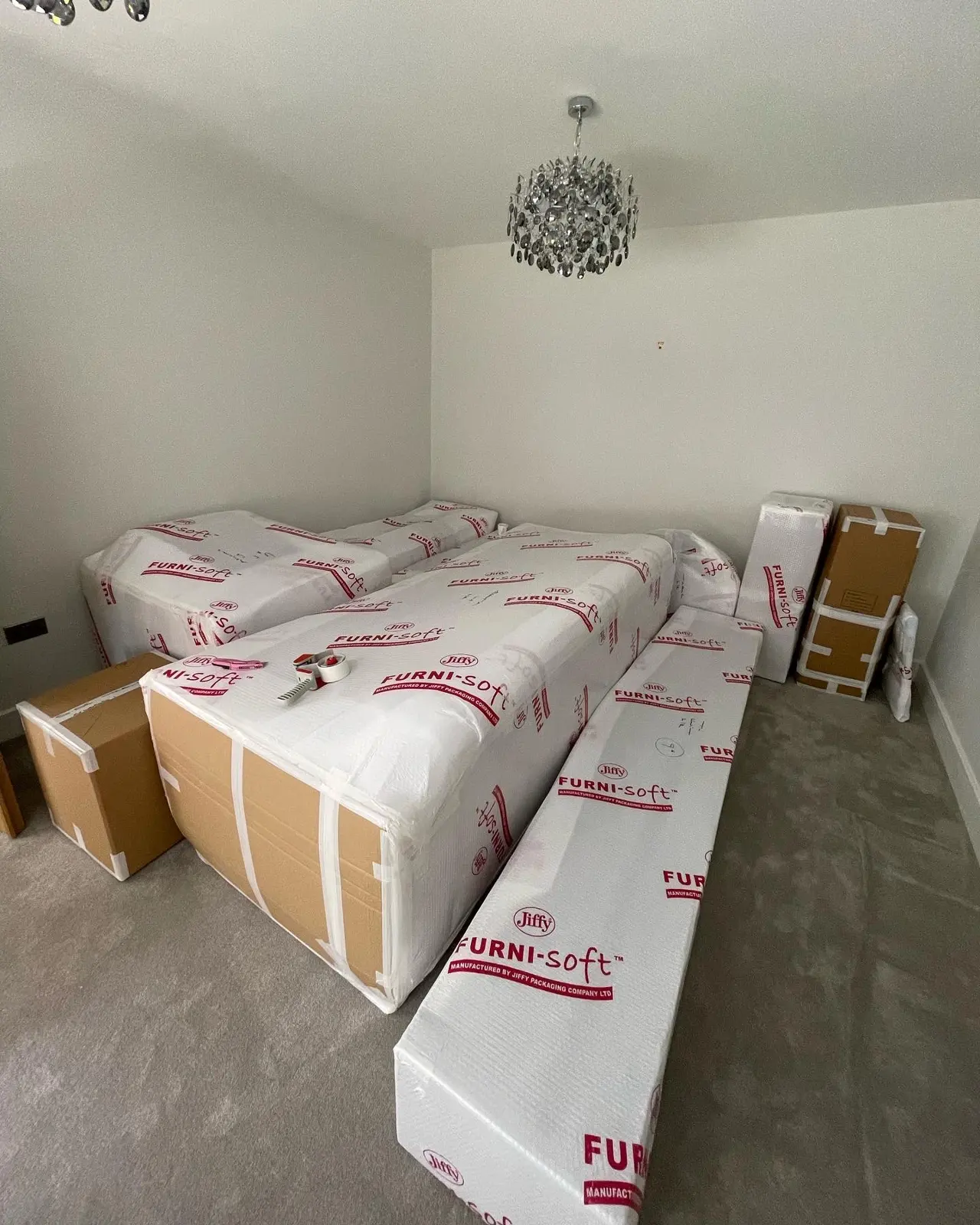
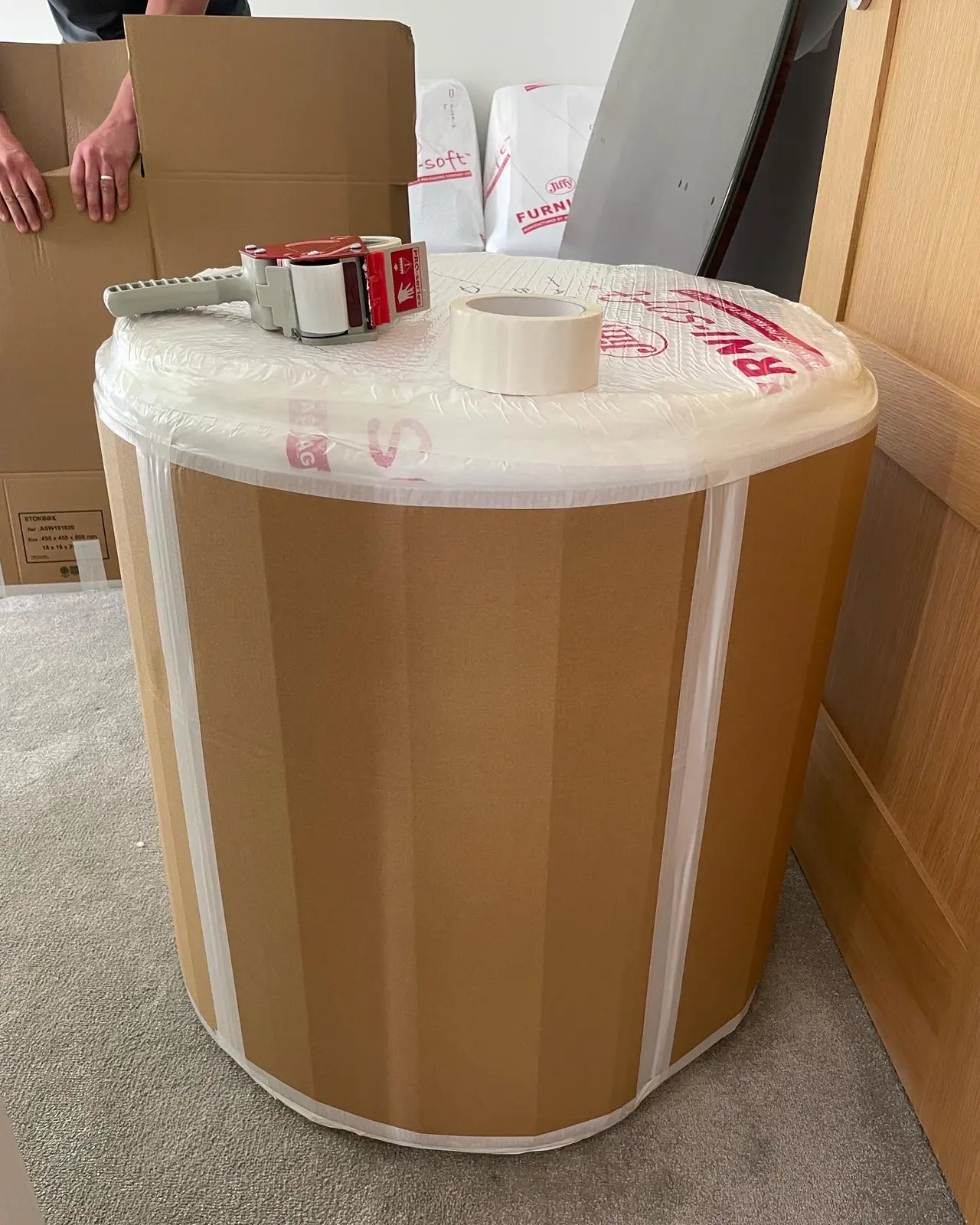
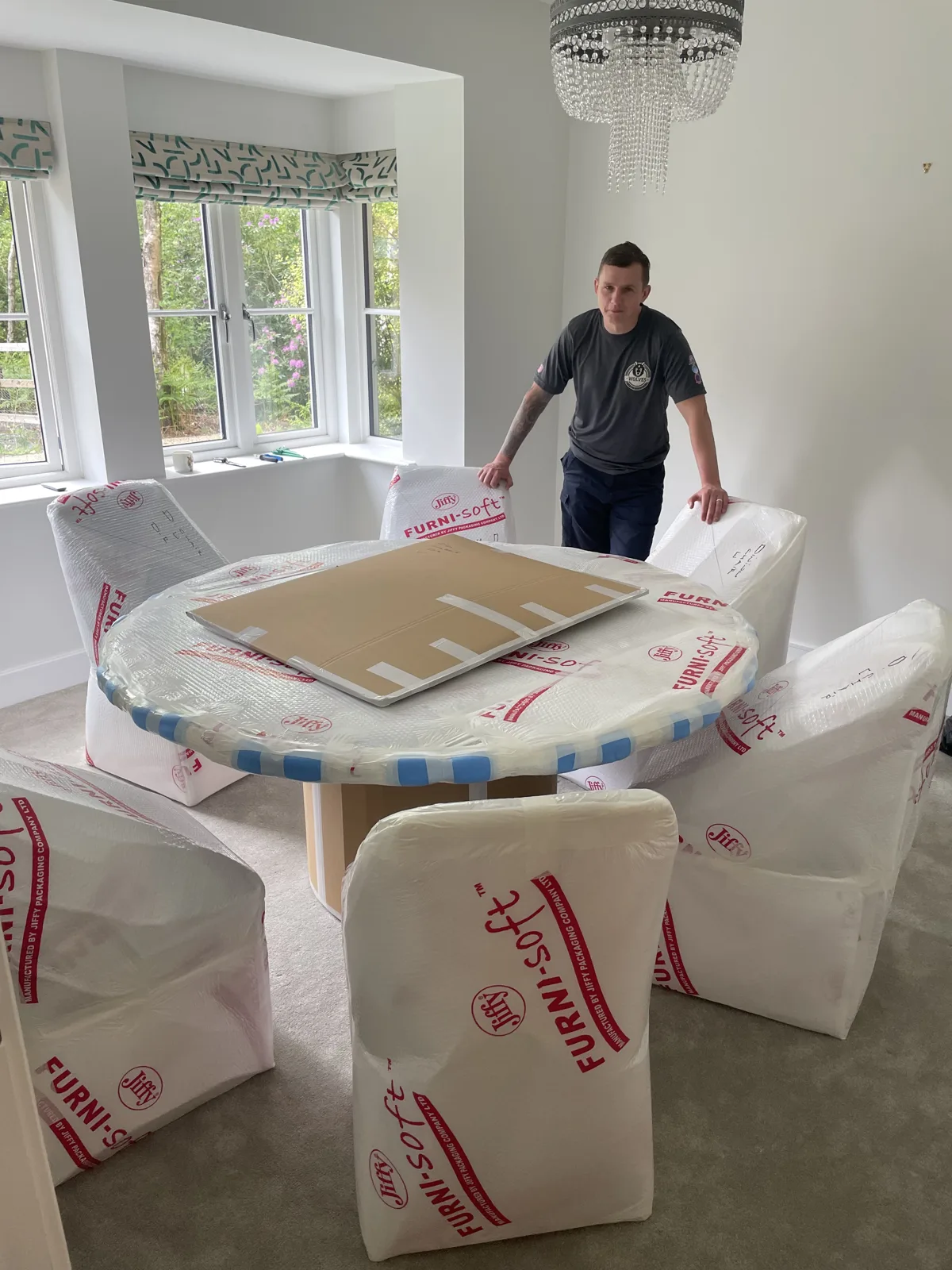
If a move is on the cards, planning the office is worth doing early rather than as an afterthought once everything else is unpacked. As a family-run firm based near Pulborough and serving West Sussex and beyond since 2016, we help people relocate homes and home-based businesses across the South East. Our house removals service covers the whole job from packing to placing furniture in your new rooms, and if you would rather not lift a single box yourself, our full packing service takes care of wrapping, boxing and labelling, including delicate equipment.

Moving the office without losing a day's work
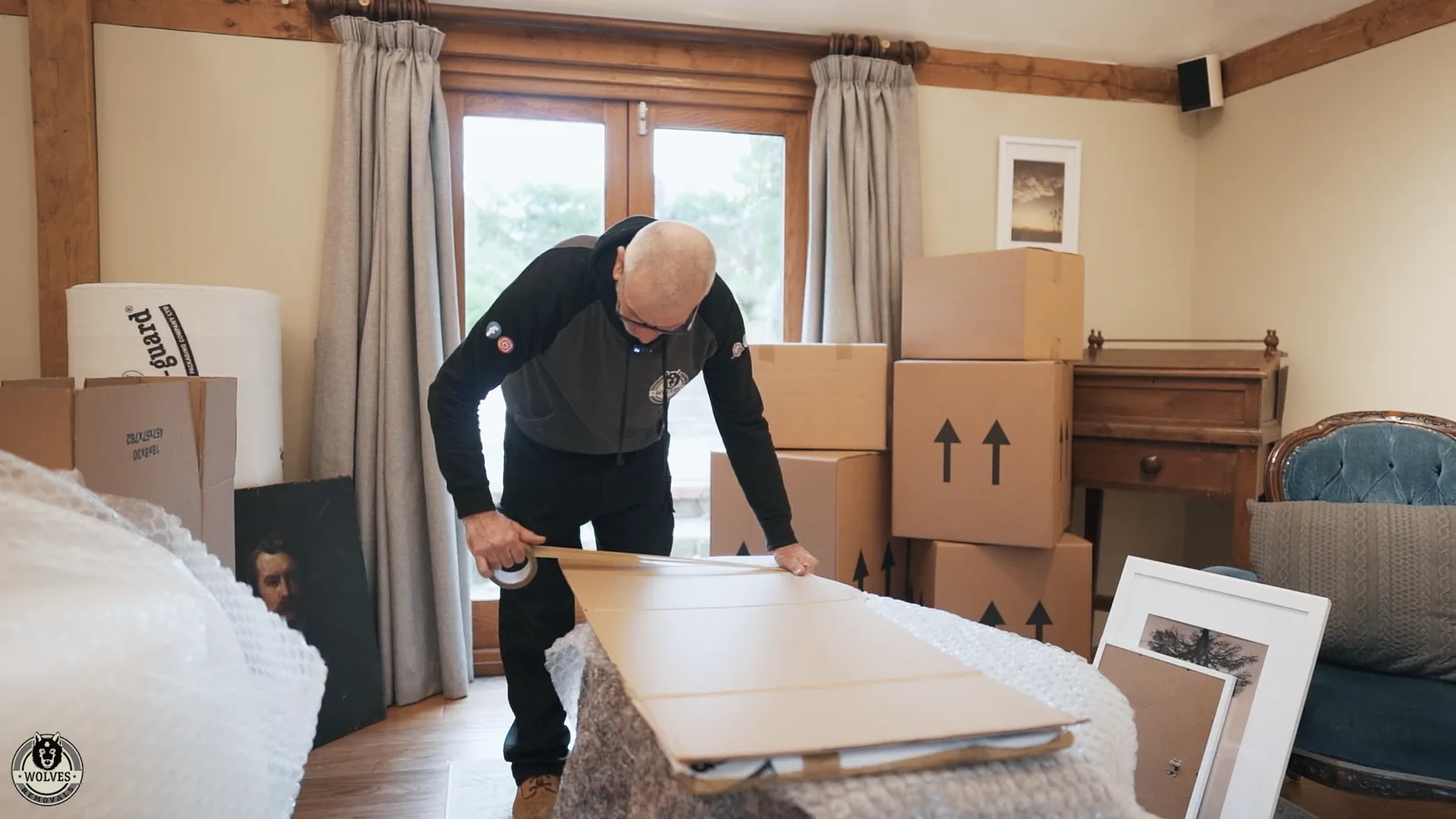
The thing most home workers dread about moving is downtime. A few simple steps keep it to a minimum. Photograph the back of your computer and monitor before you unplug anything so reconnecting takes minutes, not guesswork. Keep cables, chargers and small peripherals together in a clearly labelled box rather than scattered through the move. Back everything up before the move and confirm your broadband transfer or new connection is booked for moving day or the day after, so you are not left offline.
If you only need to shift a desk, chair and a few boxes of equipment a short distance, our man-and-van service starts from £80 and is ideal for a compact office move. For larger relocations, or where valuable equipment and furniture are involved, a full removal with proper protection makes more sense. You can see how the options compare on our pricing page, and when you are ready, you can request a tailored quote with no obligation.

Common home office mistakes to avoid
Even with the best intentions, a few traps catch people out again and again. Knowing them in advance saves you the bother of learning the hard way.
Working from a laptop alone, day after day
A laptop is a marvel of portability and a menace to your posture. Its screen and keyboard are fixed together, which means whenever the screen is at the right height your hands are too high, and whenever your hands are comfortable your neck is craned downwards. For occasional use this is fine; as a daily setup it is the single most common cause of the aches that creep up on home workers. A laptop stand plus a separate keyboard and mouse fixes it for the price of a couple of takeaways, and your shoulders will thank you within a week.
Choosing a space because it's free, not because it works
The spare room that happens to be empty is not always the right office. If it's freezing in winter, bakes in summer, sits under a flight path or shares a wall with the busiest room in the house, you will resent it daily however convenient it seemed. Spend a few mornings actually working in a candidate space before you commit furniture and shelving to it. The right room is the one you can concentrate in, not simply the one nobody else is using.
Letting the office double as a dumping ground
A home office that also stores the ironing, the spare duvets and the boxes nobody has unpacked stops feeling like a workplace and starts feeling like a cupboard you happen to sit in. Defend the space. If storage elsewhere in the house is the problem, that is worth solving in its own right rather than allowing it to colonise the one room you need to think in. Where a home genuinely lacks storage, off-site storage for the things you rarely touch can free up a room to become a proper office.

Keeping your office working over the long term
A good setup isn't a one-off purchase; it's something to revisit. Every few months, take five minutes to notice what is annoying you. Is the chair still comfortable, or has it started to sag? Are cables creeping back into a tangle? Has clutter quietly returned to the desk? Small corrections keep the space pleasant, whereas left unchecked these niggles accumulate until the whole room feels like hard work.
It is also worth reviewing the space as your work changes. A new job, more video calls, a second screen or a shift to running your own business can all change what you need from the room. Treating your office as something that evolves with your working life, rather than a fixed arrangement you set up once and forget, is what keeps it genuinely productive year after year.
A simple checklist to get you started
- Pick one consistent space, ideally with a door and a window.
- Buy the best chair you can afford; sort the screen height next.
- Get the ergonomics right: eyes on the top third of the screen, forearms level, feet flat.
- Make the internet rock-solid and tidy your cables.
- Give everything storage so the desk stays clear.
- Layer your lighting and add a little personality.
- Set working hours and a proper shut-down routine.
Set up thoughtfully and your home office stops being a compromise and starts being a genuine asset, one that supports your work, looks after your health and stays neatly separate from the rest of your home. And if the day comes when the office outgrows the house, you will know exactly what you need from the next one.





Setting Up a Home Office That Actually Works — FAQs
Your chair, without question. You will sit in it for thousands of hours, so a supportive, adjustable chair protects your back and keeps you comfortable through long days. After that, the most valuable change is usually raising your screen to eye level and adding a separate keyboard and mouse so you are not hunched over a laptop.
It helps enormously, mainly because a door you can close separates work from home, but it is not essential. A consistent, defined corner of a quiet room works well if you treat it as a real workspace and use headphones to manage noise. The key is using the same spot every day so your brain associates it with focus.
Spend where it counts and save where it doesn't. Prioritise a good chair and a screen at the right height, then use an inexpensive desk, a laptop stand, and an affordable external keyboard and mouse. Free up space by going paperless and skip decorative gadgets you won't actually use.
If a corner has become an impossible squeeze, moving somewhere with the right space is often a better investment than forcing an office into a home that has none. Plan the office space early in your search, and consider a removals firm to move equipment safely. For a small office shift, a man-and-van service from £80 is ideal; larger moves suit a full removal.
Photograph the back of your computer before unplugging so reconnecting is quick, keep cables and peripherals in one labelled box, back up your files beforehand, and book your broadband transfer for moving day or the day after. With a little planning you can be back online within hours of arriving.